How to play Overgrow
Overgrow is a free PvP arena .io game you play right in your browser. Gear up, place spikes and outplay real players in 1v1, 2v2, 3v3 and 4v4 fights - or train against a ladder of rated bots. No download needed.
PLAY FREE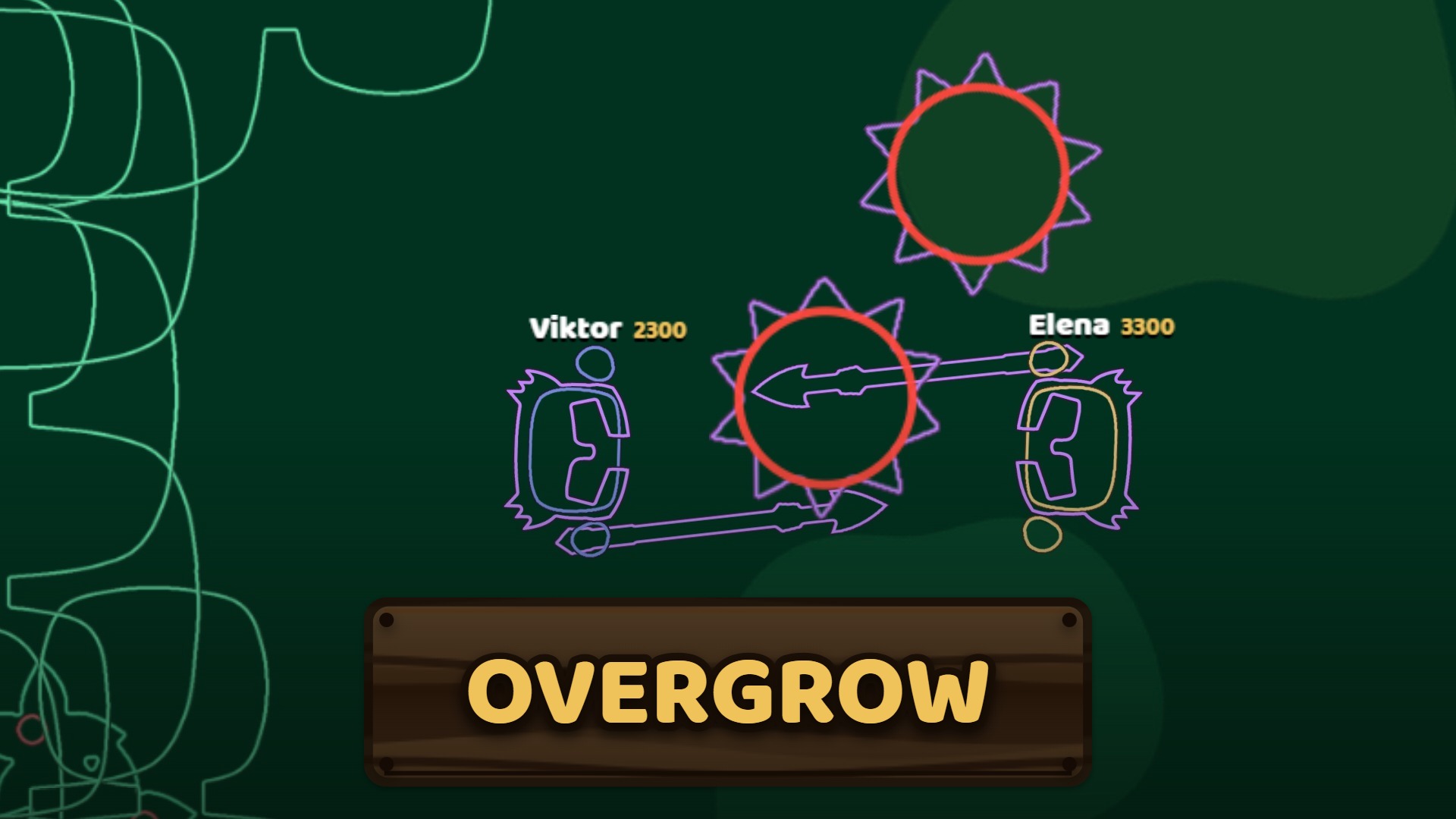
Starting a fight
You spawn in the lobby, a clearing surrounded by fighting rings. Walk onto a pad to start:
- 1v1, 2v2, 3v3, 4v4 pads - create a match of that size or join one that is waiting. A match can be ranked or friendly.
- BOT pad - practise against a bot. Pick the bot and the gear, then start.
- WATCH pad - spectate live fights. You can follow any fighter.
- Private matches - make your match private and send the invite link to friends.
Before the fight the match owner picks the gear tier, then a short countdown starts and everyone is released at once.
Controls
Computer
W A S D move
Mouse - aim
Left click - attack
1 - 9 use your helmet, weapon and spikes
G snap spikes to a grid
Hold Y big map
Enter chat
Phone and tablet
Left thumb - drag to move
Right thumb - drag to aim, push far to attack
Tap the hotbar to use items
Chat button bottom left
Hotbar keys can be changed in Settings.
Gear tiers
Every fight is played in one gear tier, so both sides are equal - skill decides. The tiers are Stone, Gold and Diamond. Each fighter gets:
- A helmet - put it on first: it blocks part of every hit.
- A sword - fast, close-range hits.
- A spear - longer reach to poke from a safe distance.
- Spikes - the heart of Overgrow.
Spikes: trap, block and damage
Spikes are placed buildings that hurt any enemy who touches them. Good players use them to wall off an opponent, block an escape route, protect themselves while they heal, or trap an enemy against other spikes. Your own team's spikes never hurt you - there is no friendly fire in team fights. Press G to snap spikes to a grid for clean walls.
Winning, ranking and progress
The last team standing wins. If a fight goes on too long, sudden death starts: no more healing and everyone slowly loses health. Ranked 1v1 fights move your skill rating (an Elo system - beating stronger players earns more), and the top fighters are on the leaderboard. Every fight also gives XP towards your account level, and the Locker holds your skins.
Tips for new players
- Put your helmet on before the countdown ends.
- Use the spear to keep distance, switch to the sword up close.
- Place spikes between you and your opponent when you need a moment.
- Never back into enemy spikes - watch the ground behind you.
- Climb the bot ladder: each bot teaches you something new.
- In team fights, stay near your teammates and trap enemies together.
Frequently asked questions
Is Overgrow free?
Yes. Overgrow is completely free to play in your browser - no download, no install and no payment needed.
Do I need an account?
No. You can press PLAY and fight straight away as a guest. Signing in (Google or Discord) keeps your rating, record, level and skins.
Can I play Overgrow on my phone?
Yes. Overgrow works on phones and tablets with touch controls: the left thumb moves, the right thumb aims and attacks.
Can I play with my friends?
Yes. Create a private match, set its size (1v1 up to 4v4) and send your friends the invite link - they join your match directly.
How does the ranking work?
Ranked 1v1 fights change your skill rating with an Elo system: beat stronger players to climb faster. The best players appear on the leaderboard.
How do I get better at Overgrow?
Practice against the bot ladder - eight bots from Benny (300) up to Sona (3800) - and learn to use spikes: they trap and damage enemies who touch them.